Etsy to Shopify: the migration checklist
Moving from Etsy to Shopify is less a migration than a rebuild — you are trading a marketplace that supplies traffic for a store where you supply it yourself. That trade is usually worth it on margin alone, but only if you go in knowing which assets come with you and which you are starting from zero on. This is the checklist, in the order that causes the least pain.
·8 min read
Decide first: replace Etsy, or run both?
Most sellers who do well on Shopify keep the Etsy shop open for at least a year. Etsy keeps supplying discovery traffic you have not replaced yet; Shopify gives you margin and a customer list. Closing Etsy on day one means switching off your demand before you have built any.
The exception is when Etsy fees, ads charges and price competition have eaten the product's margin entirely. Then the marketplace traffic is not worth having and a clean break is simpler.
What transfers, and what does not
| Asset | Transfers? | How |
|---|---|---|
| Listings and photos | Yes | Etsy exports a CSV of listings; images are downloaded and re-uploaded, or moved by a migration app. |
| Inventory and variants | Mostly | Simple variants map cleanly; complex personalisation options usually get rebuilt with a Shopify options app. |
| Reviews | Yes, with effort | No native export. Either copy them into a CSV by hand or use an app that syncs from your public shop page. |
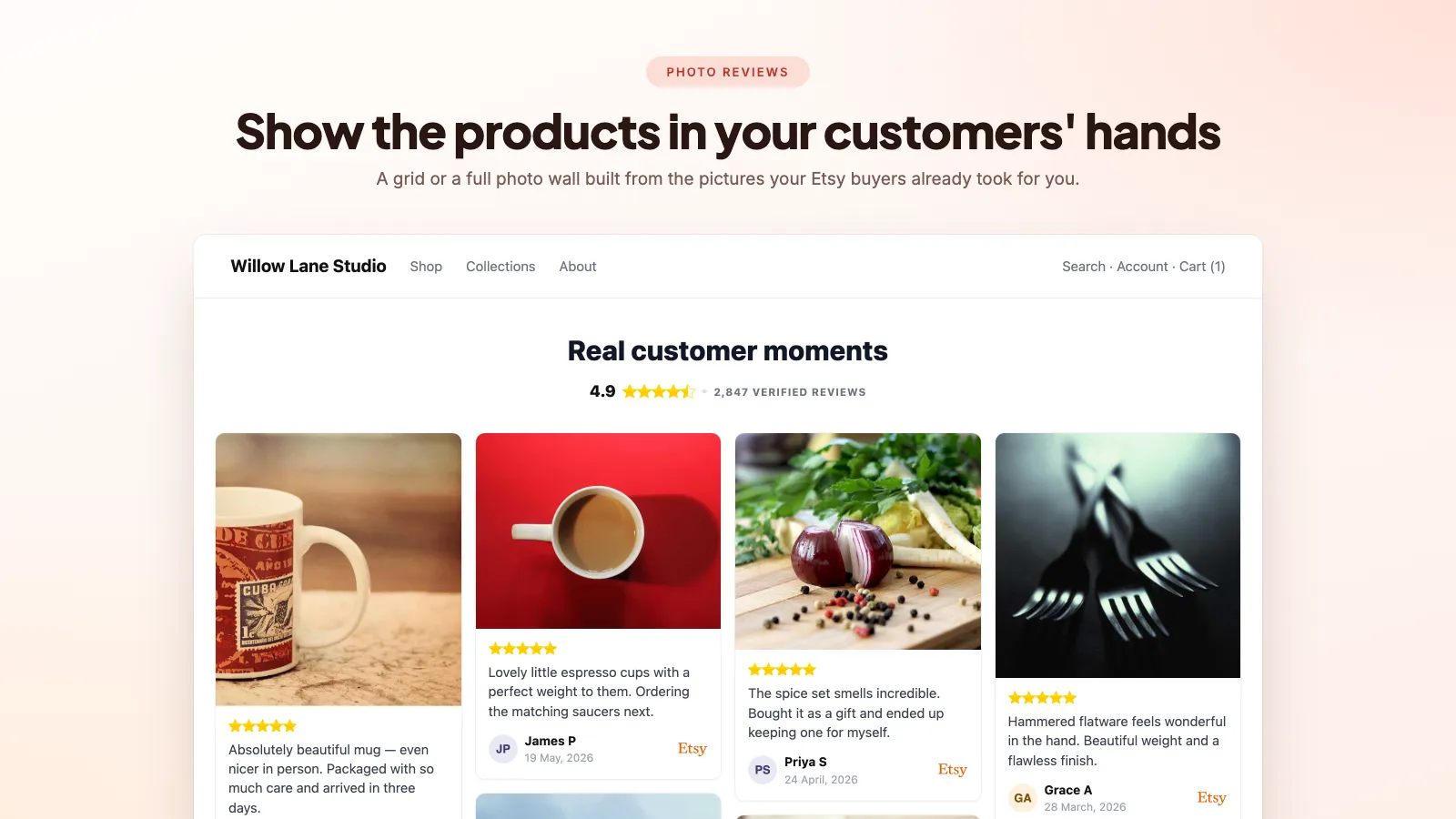
| Buyer photos on reviews | Only via an app | CSV importers expect image URLs you host yourself. |
| Customer emails | Partly | Etsy gives you order contact details, but marketing consent is a separate matter — do not bulk-import buyers into a newsletter they never opted into. |
| Etsy search ranking | No | Nothing about your Etsy position carries over. Shopify SEO starts from zero. |
| Shop URL and links | No | You cannot redirect an Etsy URL to your own domain. Existing links keep going to Etsy. |
The order to do it in
- 01
Buy the domain and set up the store
Pick an Online Store 2.0 theme. Every app you add later assumes theme blocks; a vintage theme means code edits for the rest of the store's life.
- 02
Move your bestsellers first, not everything
Twenty products that convert beat four hundred half-finished listings. Export the Etsy CSV, but rewrite the titles — Etsy titles are keyword-stuffed for Etsy search and read badly on your own site, where Google rewards clarity over keyword repetition.
- 03
Rebuild the personalisation options
This is the step sellers underestimate. Etsy's listing variations and the personalisation note box have no direct Shopify equivalent; you need a product options app, and the ordering flow needs testing before launch.
- 04
Bring the reviews across
Do this before you drive any traffic. A store with zero reviews converts badly, and your Etsy review history is the one advantage you have over a brand-new competitor. There are two routes — a hand-built CSV or a sync app — both walked through in how to import Etsy reviews to Shopify.
- 05
Set up shipping, taxes and policies
Etsy handled a lot of this invisibly. Shipping profiles, tax registrations and a returns policy are now yours, and getting them wrong is expensive rather than merely annoying. Etsy also showed buyers an arrival estimate on every listing, which Shopify does not — see how to show estimated delivery dates on Shopify.
- 06
Point your own audience at the new store
Instagram bio, packaging inserts, email signature, order confirmation notes. Traffic you already own is the cheapest traffic you will ever get, and it is the traffic you were paying Etsy a commission on.
- 07
Only then, decide about the Etsy shop
Once Shopify carries a meaningful share of orders, work out whether Etsy is still earning its fees. Until then, keep it running.
Three things that surprise people
- Nobody comes. Etsy was supplying the traffic and Shopify supplies none — the store is a shop on a quiet street until you do the marketing. Budget for that in time or money before you judge the move a failure.
- Conversion rate drops without social proof. The same product that sold on Etsy with 300 reviews behind it sells much worse on a bare Shopify page. Reviews are not decoration; they were doing the selling — and where you place them on the product page decides how much of that selling you get back.
- Personalisation is the hardest part to rebuild. If your products are made-to-order with custom text, expect to spend more time on the options and the fulfilment flow than on the theme.
Keeping both channels sane
- Watch stock. Two channels selling from one shelf oversells fast unless inventory is synced or you keep a physical buffer.
- Do not price Shopify above Etsy. Shoppers cross-check, and you want the higher-margin channel to look like the better deal — which it can, because it is.
- Use Etsy Share & Save for any traffic you deliberately send to Etsy, so at least that traffic earns the fee credit.
- Keep imported Etsy reviews syncing while both shops run — a daily sync is what Boostify Etsy Reviews Importer is for. Reviews earned on Etsy this month should still be showing up on your Shopify pages next month.
Frequently asked questions
Can I redirect my Etsy shop to my Shopify store?
No. Etsy controls those URLs and offers no redirect. You can put your domain in your Etsy shop announcement and packaging, but every existing link to your Etsy listings keeps going to Etsy.
How do I move my Etsy shop to Shopify without losing all my reviews?
Move the reviews before you move the traffic. Etsy has no review export, so you either copy the rating, text, date, buyer name and item into a CSV by hand, or use an app that reads your public Etsy shop page and syncs the reviews — including the buyer photos, which the CSV route loses. Do it while the Etsy shop is still open: the reviews stay readable on your public shop page, and a sync app keeps picking up new ones for as long as you sell on both.
Will my Etsy reviews work on Shopify?
Yes, if you bring them across. They stay attributed to Etsy, which is a feature rather than a problem — a verified marketplace review reads as more credible than an anonymous testimonial on your own site.
Should I close my Etsy shop once Shopify is live?
Usually not straight away. Etsy is still sending you buyers you have not learned to reach yourself. Close it when Shopify orders make the Etsy fees look expensive rather than useful.
Can I import my Etsy customer list into email marketing?
Carefully. Order contact details are not marketing consent, and GDPR-style rules apply to your list regardless of where the address came from. Invite past buyers to subscribe rather than subscribing them yourself.
Do not start from zero reviews
Bring your Etsy review history and buyer photos onto your new Shopify store, and keep them syncing while both shops are running. 7-day free trial.
How to import Etsy reviews to Shopify
A step-by-step comparison of the manual CSV route and the automatic sync route — including the parts of the CSV method nobody warns you about.
Etsy Share & Save links, and how to use them alongside Shopify
Etsy pays you to bring your own traffic. Here is what the programme is worth, and how it fits a seller who also runs a Shopify store.
The best Etsy review apps for Shopify, compared
Six apps do this job and they are not interchangeable. What separates them, what each costs, and which one suits which kind of shop.