Sell the extras on the product page.
Unlock hidden revenue by offering the right add-ons where the shopper is already deciding — no extra traffic required.
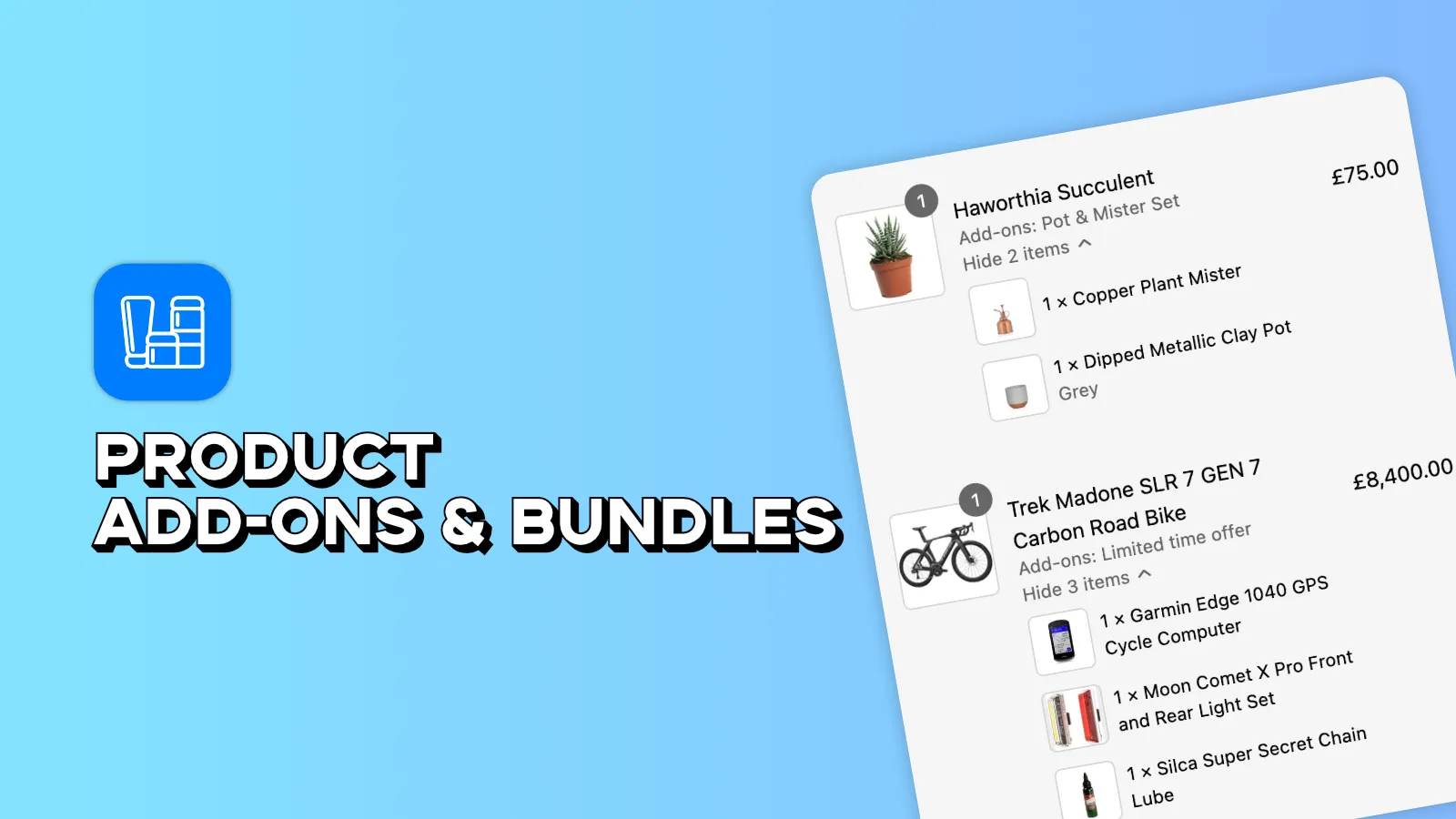
Add-ons that look like they came with the theme.
Maximize AOV
Offer relevant product add-ons and bundles that actually convert, increasing your average order value instantly.
Seamless Integration
Easily create and customize add-on blocks that look like a native part of your Shopify theme.
Smart Recommendations
Leverage data to show the right products at the right time in the customer journey.
Inventory Sync
Automatically track add-on inventory and monitor the performance of your upsell campaigns.
Do shoppers have to add each item separately?
No. The add-on bundle sits on the product page and everything the shopper selects goes into the cart in a single click.
Does it track inventory for add-on products?
Yes. Add-ons are real products in your catalogue, so stock levels are tracked automatically and an out-of-stock add-on stops being offered.
Will it match my theme?
The bundle block installs from the theme editor with its own heading, sub-heading, font sizes and an optional saving badge, so it reads as part of the product page rather than a bolted-on app.
Is there a free plan?
Yes — the free plan gives you one add-on offer with unlimited products inside it, assigned to a single product. Pro is $7.99 a month with a 7-day free trial and lifts every one of those limits.
Do I need to edit theme code?
No. The add-on block is a theme app block — add it from the Shopify theme editor and drag it where you want it on the product page.